What are click-to-WhatsApp ads?
Meta describes them simply: ads that click to WhatsApp "send people who click on your ads directly into conversations with your business in WhatsApp." They run on Facebook and Instagram like any other ad and can use an image, a video, a carousel or a slideshow.
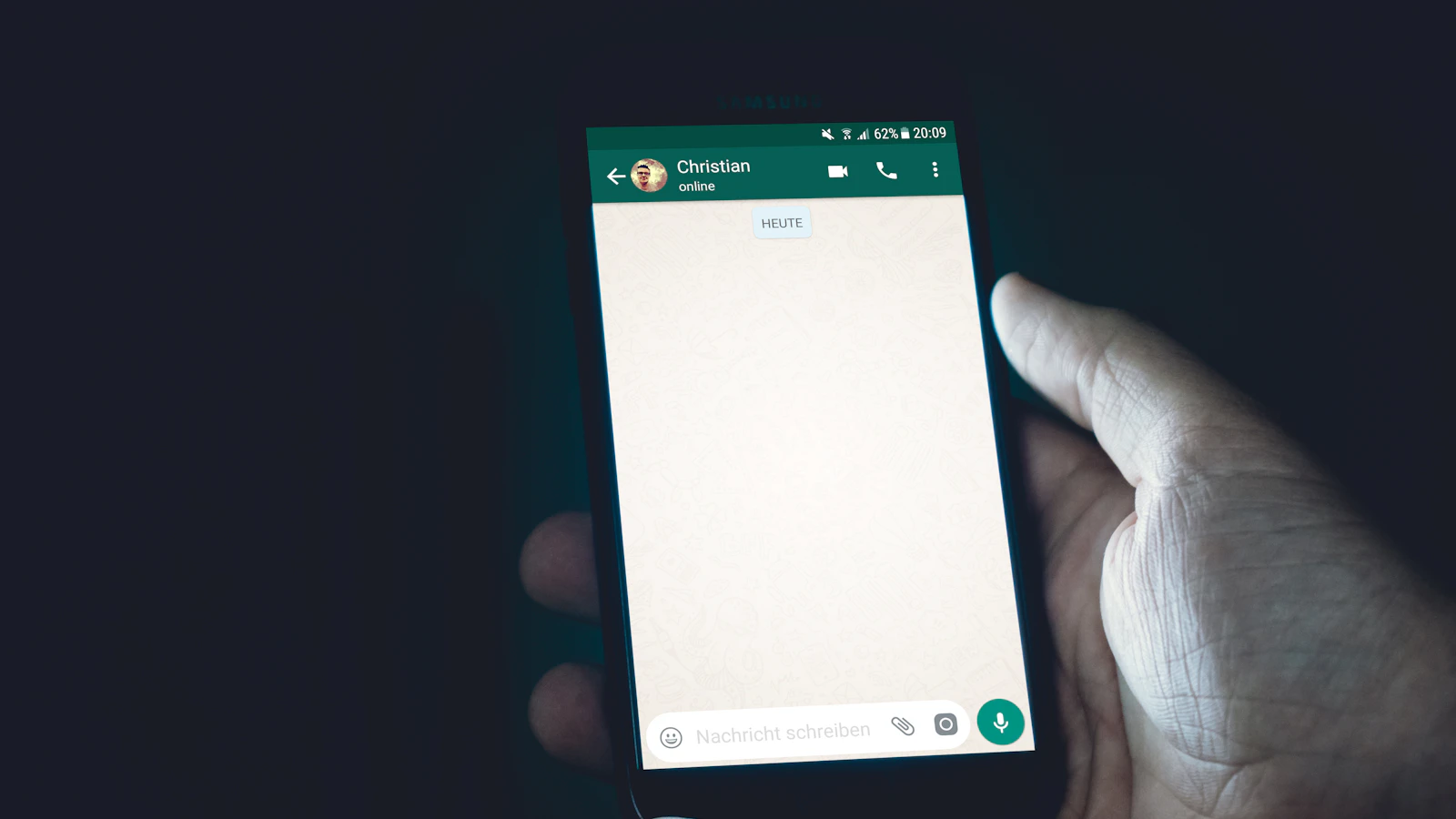
When someone taps the ad, WhatsApp opens with a message ready to send. Meta's default is "Hello! Can I get more info on this?", and you can change it to something more useful, such as the product or offer they saw. Once they press send, the conversation is with your business's WhatsApp number, just like a chat from a customer who saved your number.
In Ads Manager, these chats show up as results under messaging conversations started. That is the number to watch, alongside what each one cost.
Why they work so well for Indian businesses
WhatsApp is where Indian customers already talk to businesses. A click-to-WhatsApp ad simply removes the steps in between:
- No website needed. The customer never loads a page, so a slow or unfinished website doesn't cost you the lead.
- No form to abandon. Tapping one button is easier than typing a name, number and email into a form.
- A real conversation. You can answer questions, share prices, photos and availability, and ask what they need - the way most Indian customers prefer to buy.
- A warmer lead. Someone who starts a chat has already shown more intent than someone who scrolled past or half-filled a form.
They work best for businesses where the sale needs a conversation: local services and appointments, custom or made-to-order products, higher-priced items, and anything where customers usually ask "what's the price?" before buying.
Click-to-WhatsApp vs lead forms vs website ads
Click-to-WhatsApp isn't always the right choice. Here's how it compares with the other common Meta ad destinations:
| Ad sends people to | Best for | Watch out for |
|---|---|---|
| A WhatsApp chat | Services, bookings, custom and higher-priced products | Needs someone replying quickly, every day |
| A Meta lead form | Callbacks and B2B enquiries at volume | Lower-intent leads; numbers can be fake or mistyped |
| Your website or Shopify store | Products people can buy without asking questions | Needs a fast store, working Pixel and Conversions API tracking |
Many brands use more than one: click-to-WhatsApp for enquiries and new customers, and website sales campaigns for products that sell themselves. If you sell on a Shopify store, the two work well together.
How to set up a click-to-WhatsApp campaign
Meta renames objectives and options from time to time, so the labels in your Ads Manager may differ slightly. The steps stay the same:
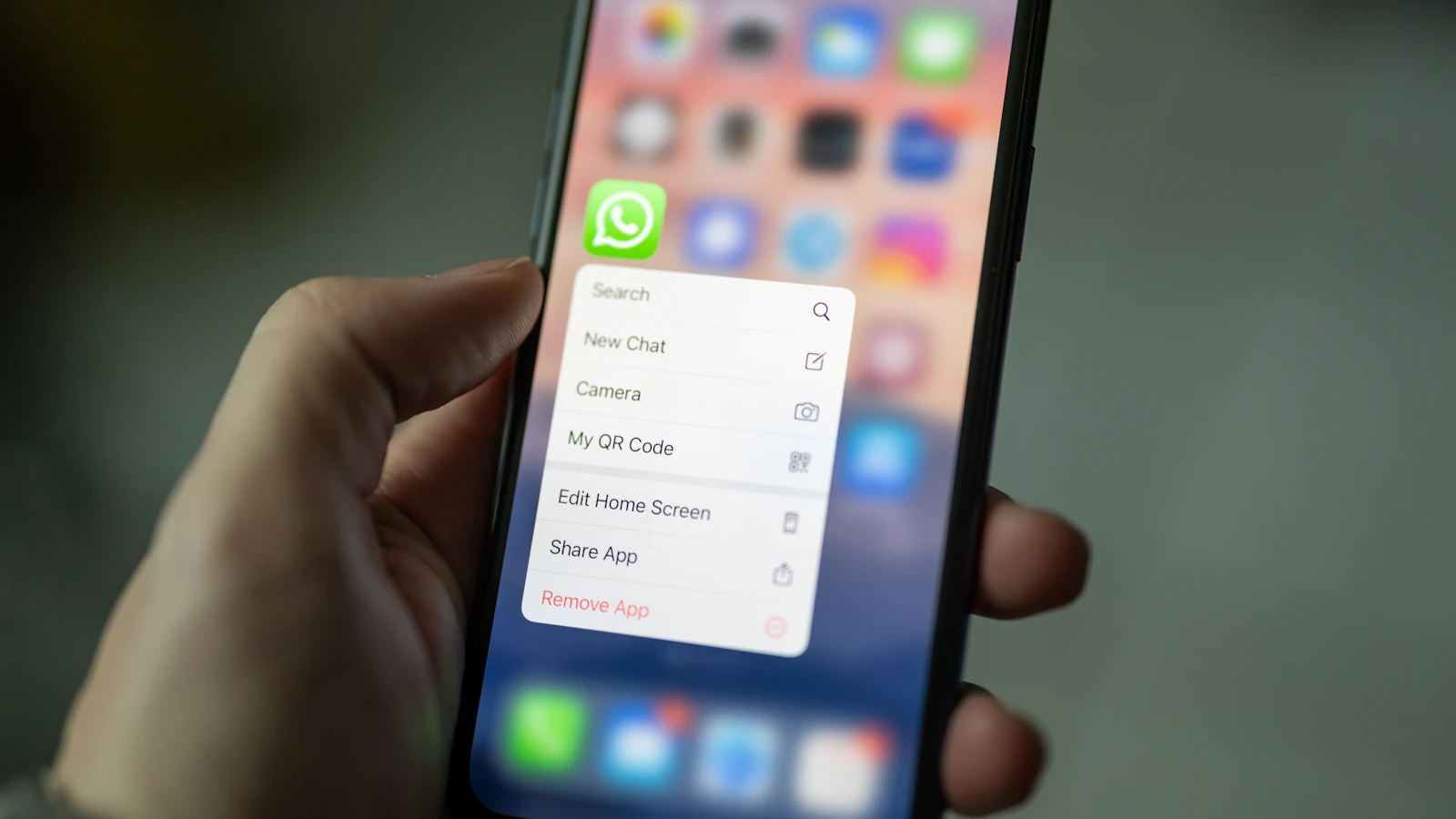
- Link your WhatsApp number to your Facebook Page. Meta requires a Page with a linked WhatsApp number before these ads can run. Use the number your team actually answers.
- Create a campaign in Meta Ads Manager with an objective that supports messaging (usually Engagement or Leads).
- Choose WhatsApp as the message destination at ad set level, so taps open WhatsApp rather than Messenger or Instagram.
- Set your audience and budget. For a local business, target the area you actually serve. Start with a daily budget you can keep running for at least a week.
- Write the ad and the first message. Make the offer clear in the creative, and set a prefilled message that tells you what the customer saw.
- Publish, then check the first chats. Make sure messages arrive on the right number and someone replies.
Tip: set up WhatsApp Business quick replies for your price list, location and booking details before launch, so every chat gets a fast, complete answer.
What should a WhatsApp chat cost?
There's no single answer - it depends on your offer, location, audience, creative and season. As a real reference, here is what chats have cost in the click-to-WhatsApp accounts we run for local businesses, straight from Meta Ads Manager:
| Account | Chats started | Cost per chat | Period |
|---|---|---|---|
| Client B | 3,538 | ₹13.59 | Lifetime |
| Client C | 1,845 | ₹17.61 | Lifetime |
| Client D | 473 | ₹9.85 | July 2026 |
| Client A (best campaign) | 824 | ₹16.90 | Lifetime |
The cheapest single campaign in these accounts came in at ₹9.17 per chat. You can see the redacted screenshots and what we ran in each account on our Meta ads results page.
Remember that cost per chat is not cost per customer. A ₹12 chat that never gets a reply is worth nothing; a ₹20 chat that turns into a booking is a bargain. Track how many chats become customers, then work out what each customer really cost.
How to turn chats into customers
The ad's job ends when the chat starts. From there, it's down to how you reply:
- Reply fast. The customer is on their phone right now. A reply hours later often lands after they've messaged a competitor.
- Answer the question they asked. If they ask the price, give the price - then explain what's included.
- Ask one qualifying question. Location, date, size or budget - whatever tells you if and how you can help.
- Make the next step easy. A booking link, a payment link, a clear "reply YES to confirm".
- Follow up once. Many people mean to reply and forget. One polite follow-up the next day recovers a share of them.
Common mistakes to avoid
- Running ads when nobody is available to reply.
- Sending ads to a personal number that also gets family and friends' messages.
- Vague creatives that start chats from people who can't buy.
- Judging ads on clicks or reach instead of cost per chat and cost per customer.
- Running the same creative for months. Results fade as people see it again and again - we put new creatives into testing every week.
Frequently asked questions
Do I need a website for click-to-WhatsApp ads?
No. The ad opens a WhatsApp chat directly, so customers never visit a website. You do need a Facebook Page with your WhatsApp number linked.
Can I use the WhatsApp Business app, or do I need the API?
Small businesses can run click-to-WhatsApp ads with the WhatsApp Business app. The WhatsApp Business Platform (API) helps when you need several people answering, automation or integrations.
How much budget do I need to start?
Enough to get meaningful results within a week or two. The accounts on our results page ran campaigns at ₹100-₹250 a day each. Your audit will recommend a budget for your business.
Are click-to-WhatsApp ads better than lead forms?
For businesses that sell through conversation, they usually produce warmer leads, because the customer starts a real chat. For high-volume callbacks, lead forms can still work. Many brands test both.